Technology skills for the world they'll work in
Being able to swipe a screen is not the same as being digitally capable. The skills that matter, coding logic, safe judgement, real research, are rarely taught well.
Our digital literacy tutors build genuine confidence with technology, one-on-one and matched to your child's age and interests.
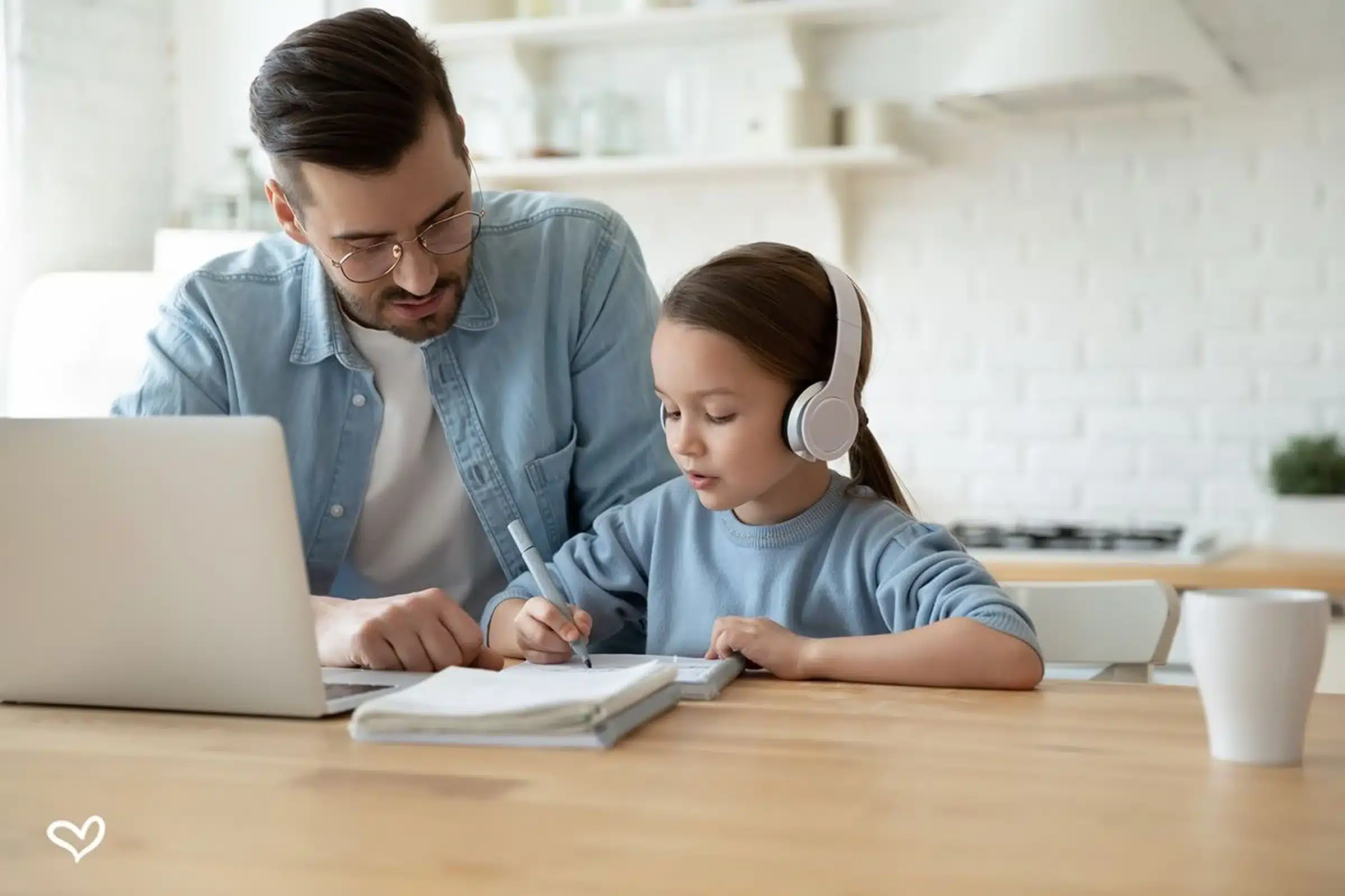
The real skills, computational thinking, judging what is trustworthy online, using tools to create rather than just consume, are the ones schools have least time to teach properly.
We match your child with a tutor who can pitch these skills to their exact age and interest, so it feels like building something, not sitting a lesson.
The skills behind the screen
Practical, future-facing capability, taught at your child's level.
Coding fundamentals
Logic, sequences and problem solving through block coding or Python, depending on age and interest.
Computational thinking
Breaking problems into steps, the transferable thinking skill behind all of computing.
Online safety & judgement
Spotting scams, protecting privacy and thinking critically about what is real online.
Research & information
Finding, checking and using reliable information, a core skill for every other subject too.
Productivity tools
Documents, spreadsheets and presentations, the everyday tools of school and work.
Creating with tech
Making rather than just consuming: simple games, sites and projects that build real confidence.
A clear path, curious to capable
Digital skills build from safe use, to logic, to creation. We guide each stage.
Safe & confident use
Navigating devices, basic online safety and healthy habits from the very start.
Logic & block coding
First coding through visual, block-based tools, building computational thinking playfully.
Real coding & research
Moving toward text-based coding like Python, plus solid research and information skills.
Creating & applying
Building projects, applying tools across subjects, and the digital judgement adults need.
The right tutor is found, not assigned
Every child is different, so we start by understanding yours before we match a single tutor.
Free match session
We meet your child, hear your goals, and find the real starting point.
Understand the gaps
We pinpoint exactly where digital literacy is getting stuck, and why.
Match the tutor
We pair them with a tutor chosen for skill and personality fit.
Track the progress
You see the change, backed by our 60-day results guarantee.
In your home, online, or at our studio
In-home
A tutor comes to you, across Melbourne and the inner west. Familiar surroundings, zero travel.
Online
Live sessions anywhere in Australia, with a shared whiteboard so it feels like sitting side by side.
Yarraville studio
Focused one-on-one and small-group sessions at our learning studio in Yarraville.
What parents say on Google
Real reviews from Matching Minds families, straight from our Google profile.


Digital Literacy questions parents ask us
Is digital literacy just coding?
No. Coding is one part. Just as important are online safety, judging trustworthy information, and using everyday tools well. We shape the focus around what your child most needs, from safety to creating with technology.
What age is right to start?
Any age. For younger children we focus on safe, confident use and playful block coding. For older students we move into real coding, research skills and digital judgement.
Do you teach actual coding languages?
Yes, matched to the student. Younger learners often start with visual block coding, while older students move into text-based languages such as Python, at a pace that keeps it enjoyable.
How is this different to what school teaches?
Schools often have limited time and large classes for digital skills. One-on-one sessions let us build genuine, personalised capability around your child's interests, which is where real confidence comes from.
Let's find your child's digital tutor
Book a free match session and we will match your child with a tutor who builds real, future-ready technology skills, at exactly their level.
Book a Free Match Session →“Placeholder: drop in a real digital literacy family review here before this page goes live.”